Create from text or audio
Write a script or upload the voice track you already have.
The lipsyn.cc add-on brings AI lip sync, expressive avatars, and voice-to-video creation straight into Adobe Express.
Available now in the Adobe Express add-on marketplace.
A faster creative workflow
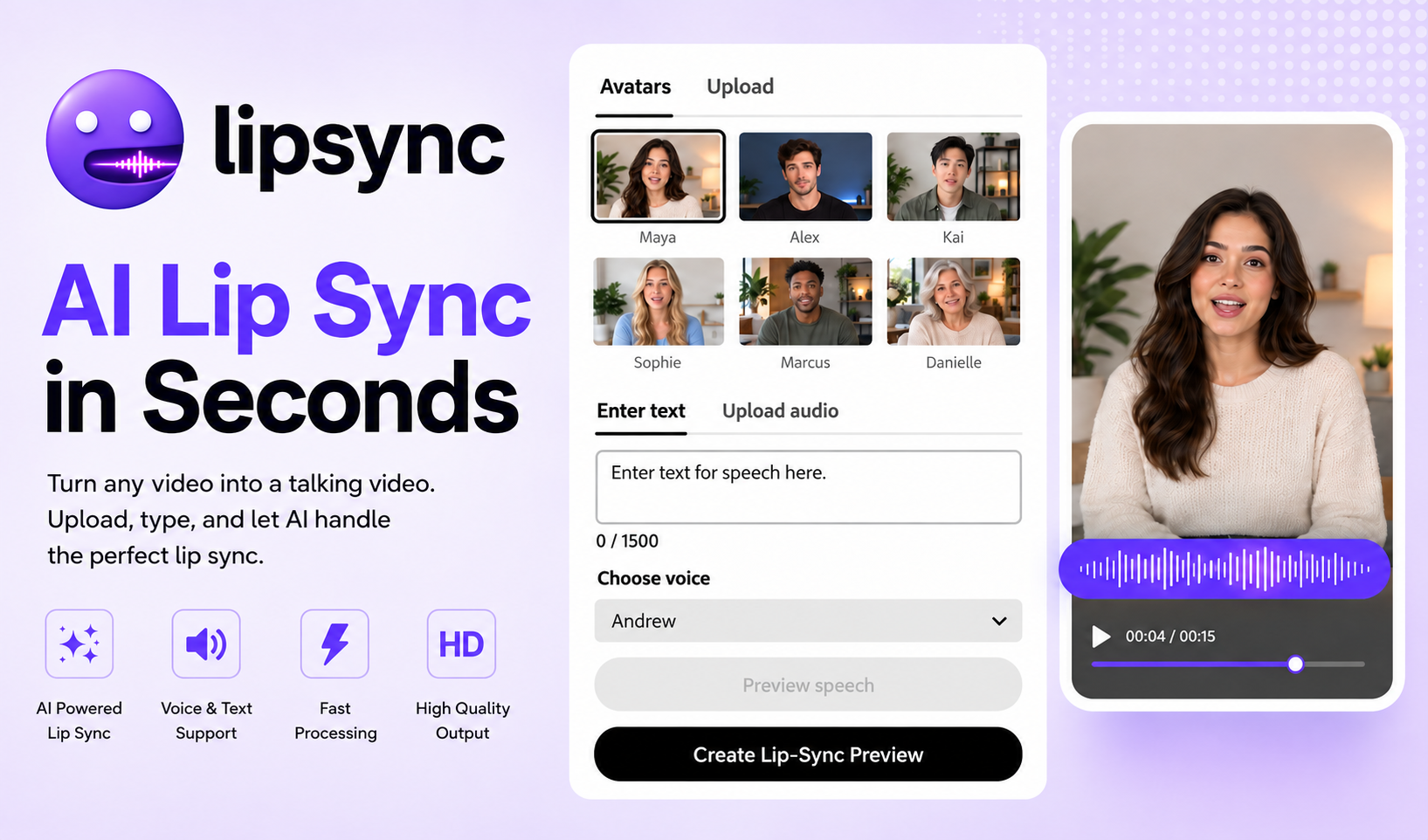
Write a script or upload the voice track you already have.
Start with a ready-to-use presenter, your own video, or a still image.
Generate your lip-synced video, then keep creating in Adobe Express.
AI avatars in your design workflow
An AI avatar gives a script a familiar on-screen presence without scheduling a shoot for every new edit. Use a ready-to-speak presenter for a quick explainer, or turn your own video or photo into a talking clip. After lipsyn.cc creates the performance, Adobe Express remains the place to add brand elements, layouts, captions, and campaign variations.
This makes the add-on useful for social videos, product announcements, internal training, lessons, and localized creative. Start with a short preview to check the voice and timing before committing to an export.
Adobe Express plugin FAQ
It lets you create a talking video from a ready-to-use avatar, your own video, or a still image, then use text or an uploaded voice track to generate natural lip movement within your Adobe Express workflow.
Yes. Choose a presenter in the add-on or bring your own visual, add the words or voice that should be spoken, generate the lip-synced clip, and continue arranging it in your Adobe Express design.
You can preview before exporting, then choose a prepaid minute pack when you are ready for final renders. See the pricing page and cost calculator to plan a project before production.
Install the add-on, choose a face and a voice, and let lipsyn.cc handle the lip sync.
Add lipsyn.cc to Adobe Express